Settings
Deployment-wide configuration, reached from Settings in the sidebar and organized into tabs. Most settings are hot-reloaded and apply immediately; the few that need a restart are called out below. Each section maps to one tab.
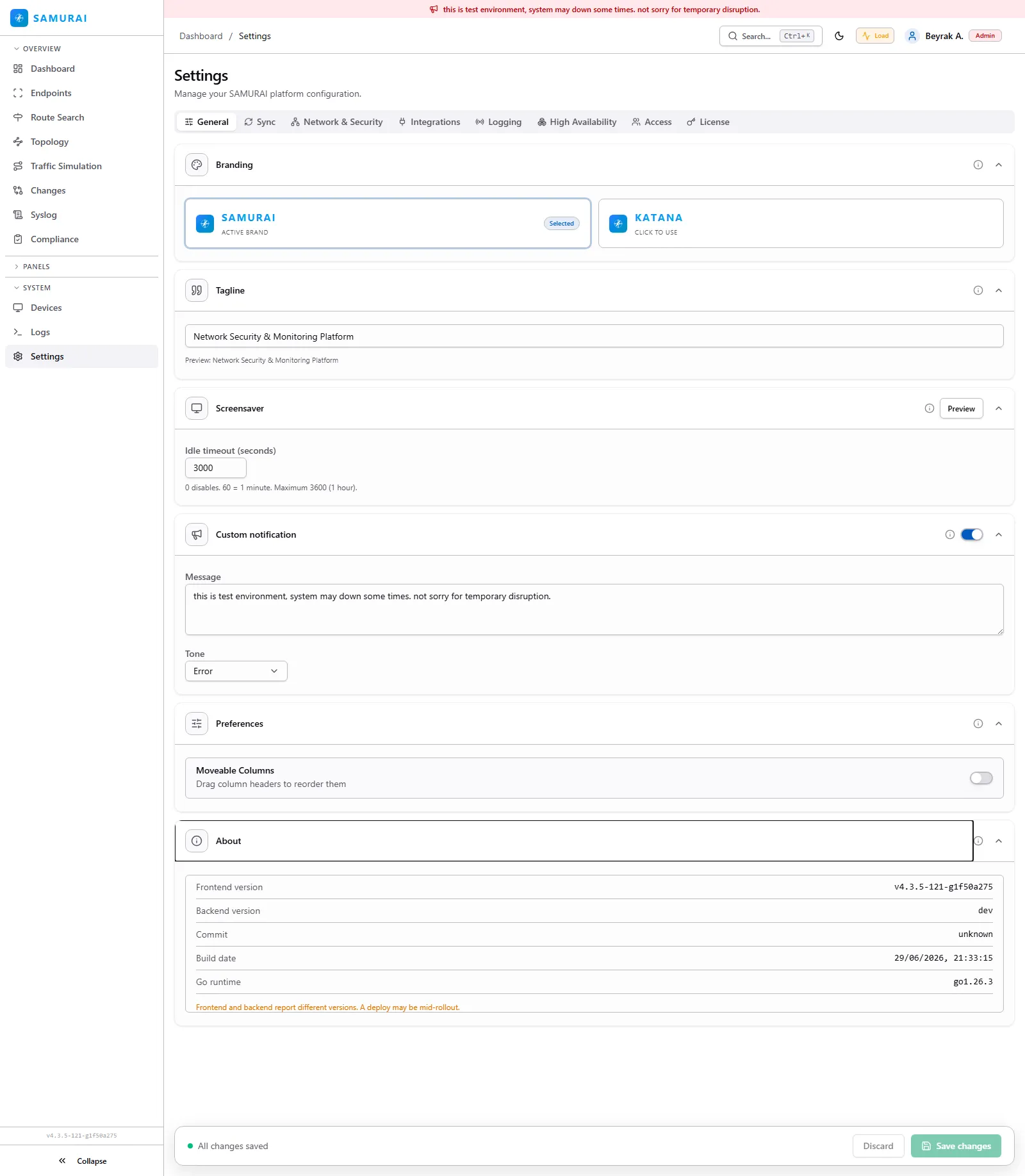
General
The deployment’s identity and per-user defaults. Branding sets the logo and product name; Tagline the subtitle; Screensaver the idle timeout before the display locks; Custom notification shows a banner across the UI with a chosen tone (info, warning, error); Preferences holds UI defaults such as movable table columns; and About reports the running frontend and backend versions and build date.
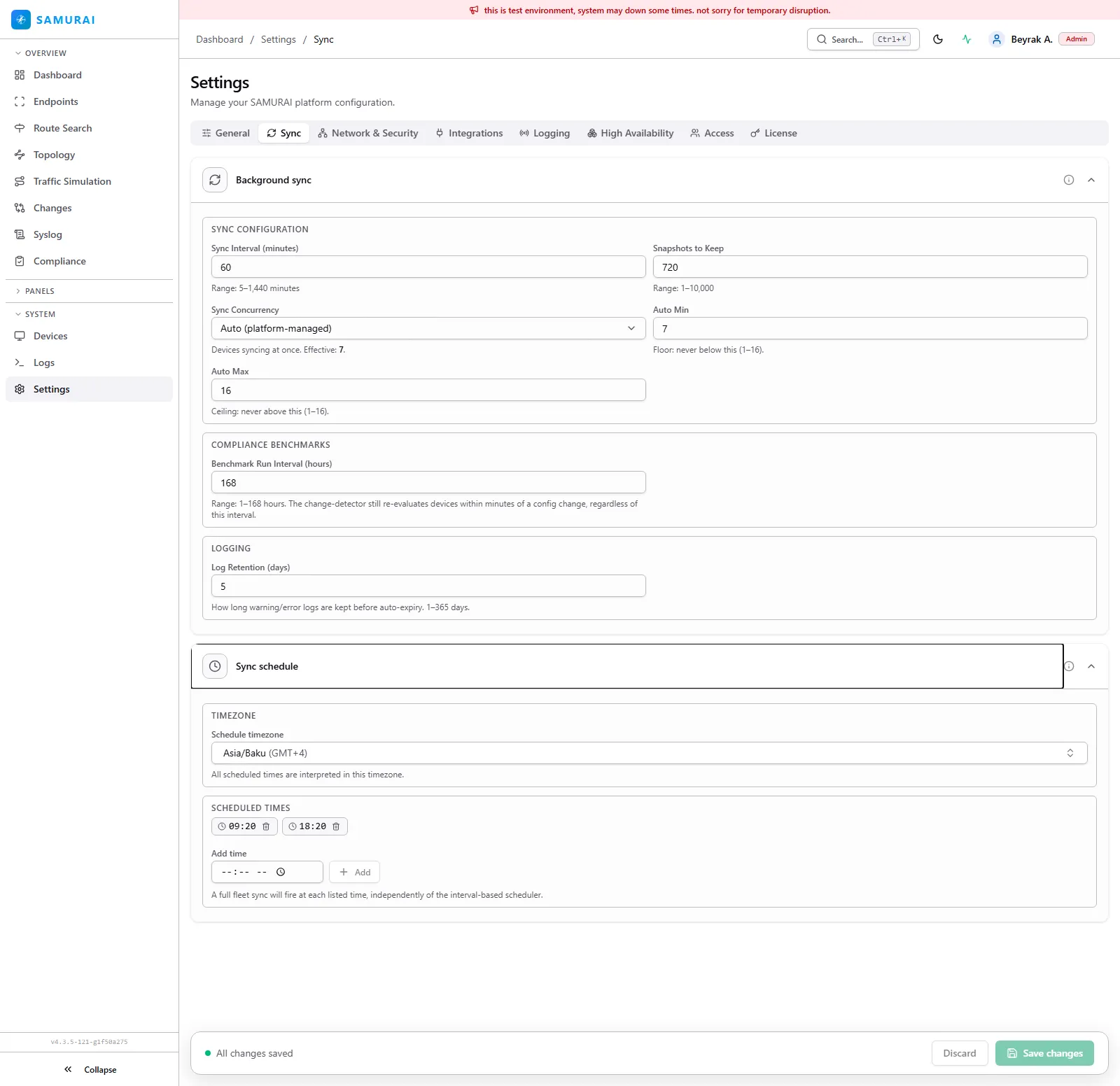
Sync
How often SAMURAI Networks collects from devices and how much history it keeps. Background sync sets the sync interval, snapshot retention in days (default 180; the latest snapshot is always kept), sync concurrency (auto platform-managed, or a fixed value within a min/max), the compliance benchmark run interval, and warning/error log retention. Sync schedule pins full-fleet syncs to specific times of day in a chosen timezone, independent of the interval.
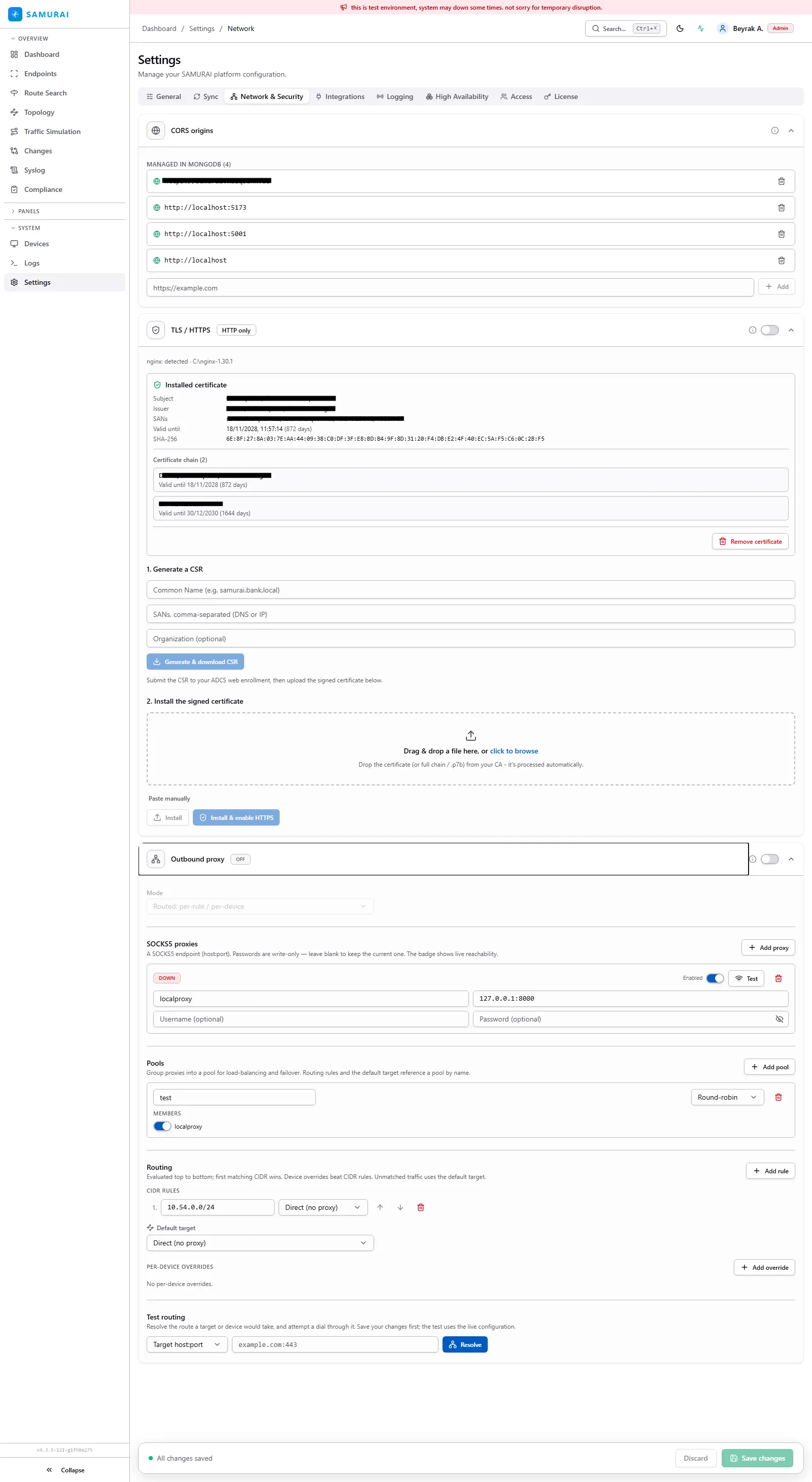
Network & Security
Transport and egress controls for the SAMURAI Networks server itself. CORS origins allowlists the browser origins permitted to call the API. TLS / HTTPS shows the installed certificate and lets you generate a CSR or install a signed certificate. Outbound proxy routes connector traffic through a SOCKS5 proxy. Pools, Routing, and Test routing control how outbound connections to devices are pooled, which egress path each target uses, and let you verify a path before saving. For a full guide, including how to stand up a SOCKS5 proxy, see Outbound Proxy.
Logging
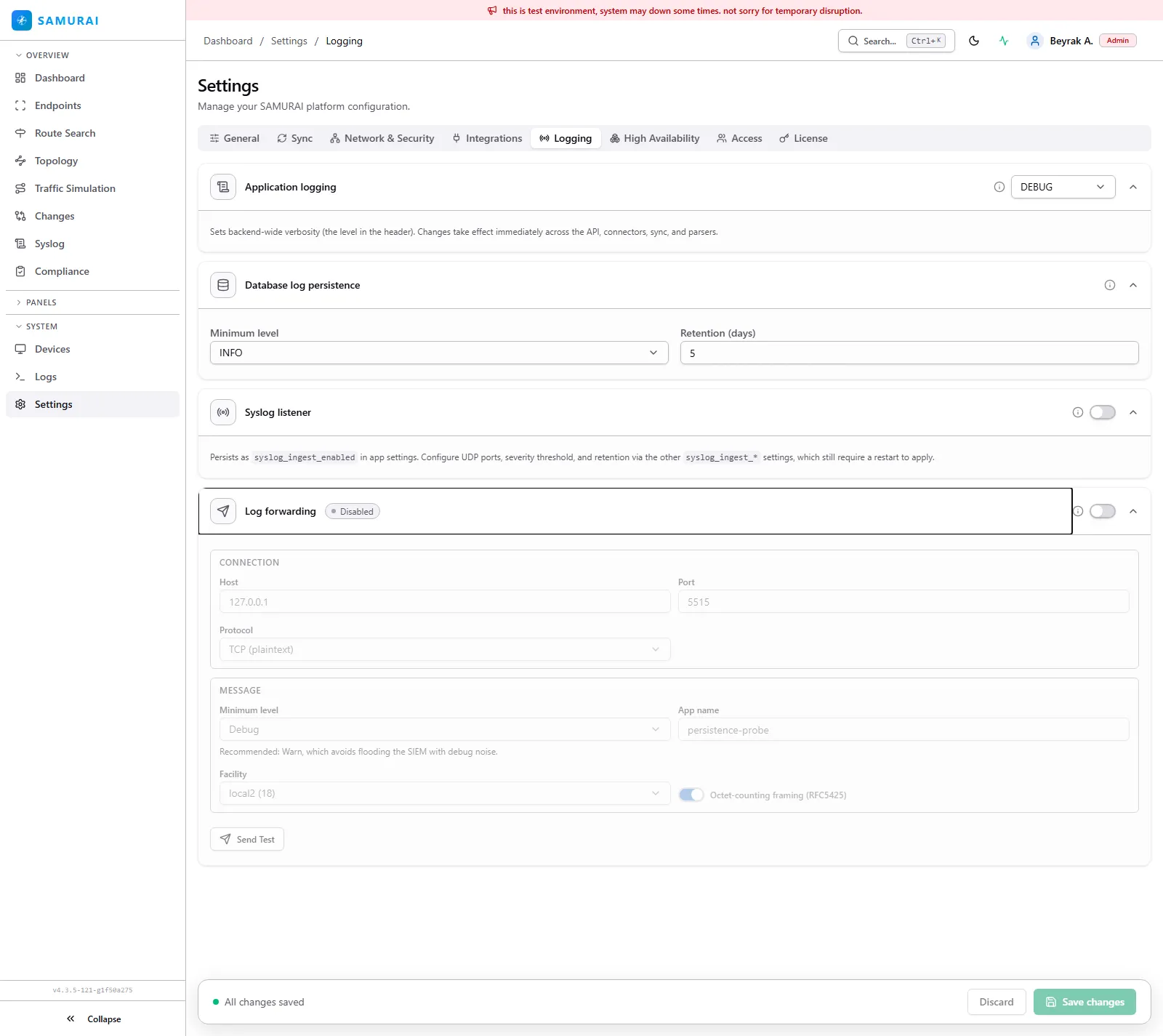
Backend log verbosity and where logs go. Application logging sets the global level (for example DEBUG) and applies immediately across the API, connectors, sync and parsers. Database log persistence sets the minimum stored level and retention in days. Syslog listener ingests syslog over UDP (port and severity changes require a restart). Log forwarding ships SAMURAI Networks’s own logs to an external SIEM by host, port and protocol, with a minimum level, app name, syslog facility, RFC 5425 octet-counting framing, and a Send Test.
High Availability
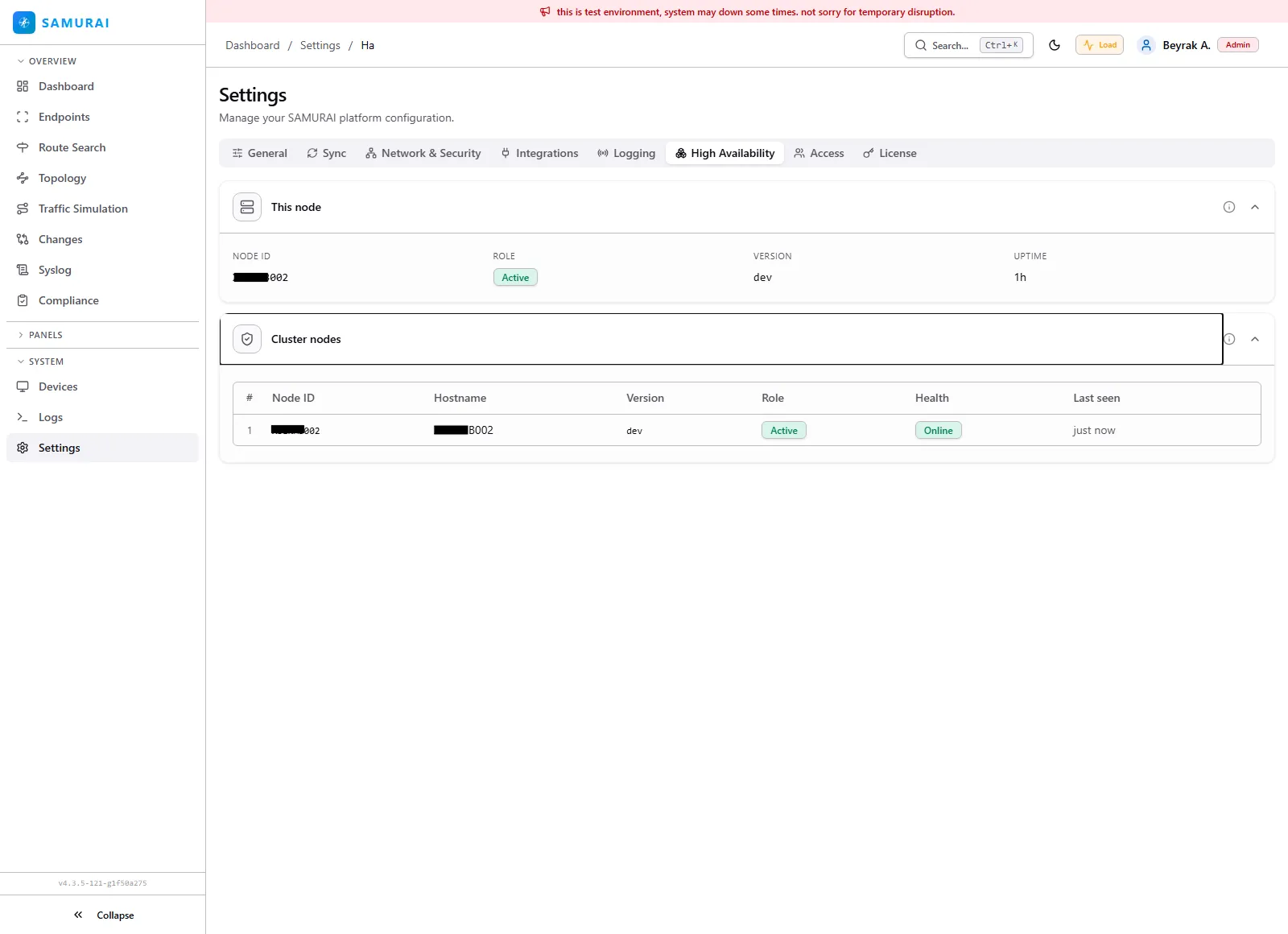
Cluster status for a multi-node deployment. This node shows its node ID, role (active or standby), version and uptime. Cluster nodes lists every member with hostname, version, role, health and last-seen time. For the high-availability database behind a cluster, see Deployment.
Access
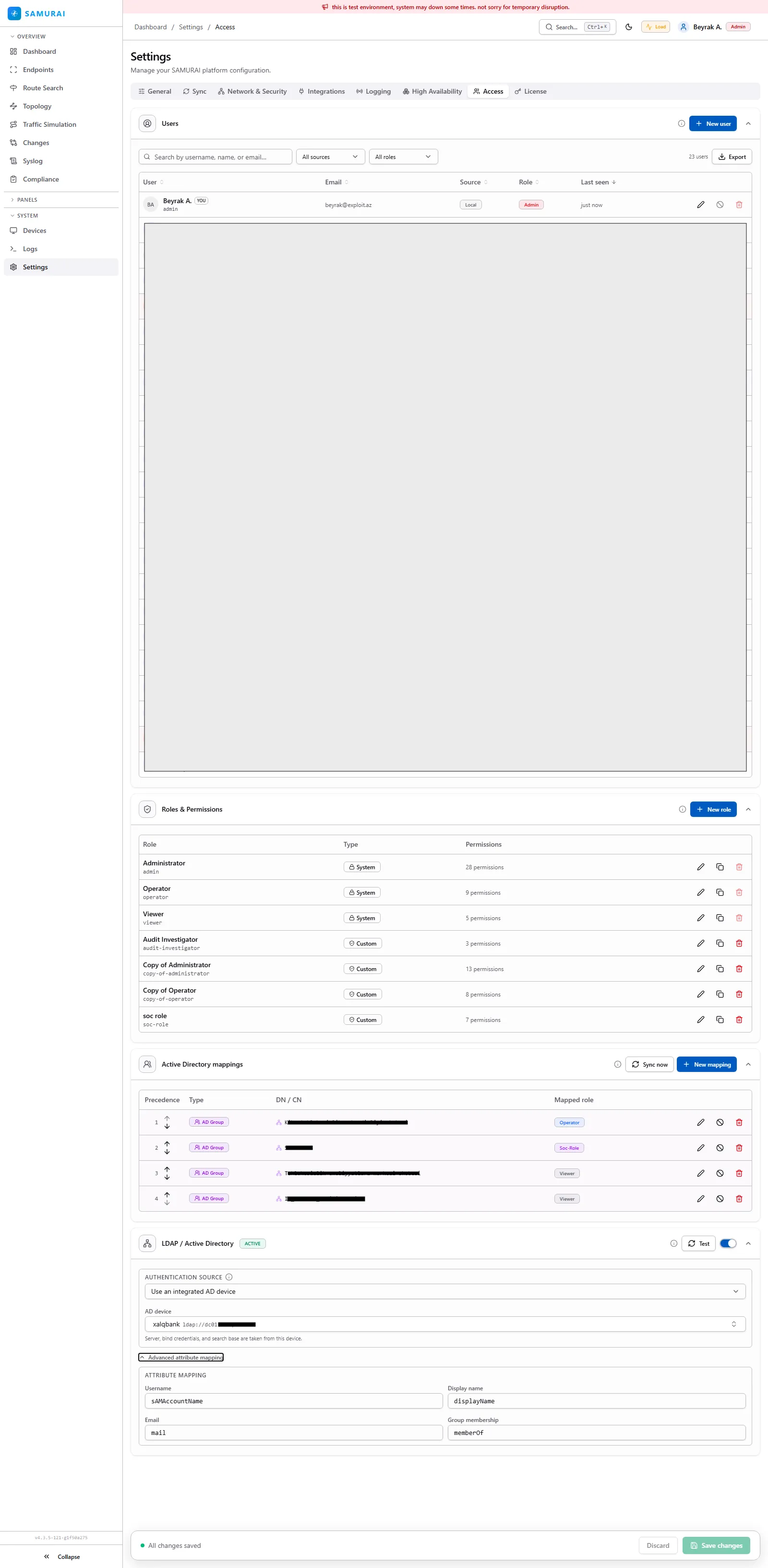
Who can sign in and what they can do. Users lists accounts with their source (local or directory), role and last sign-in, and supports add, edit and export. Roles & Permissions ships built-in roles (Administrator, Operator, Viewer, Audit Investigator) plus custom roles over a granular permission catalog. Active Directory mappings map an AD group (by DN) to a SAMURAI Networks role. LDAP / Active Directory configures the authentication source and the attribute mapping for username, email, display name and group membership.
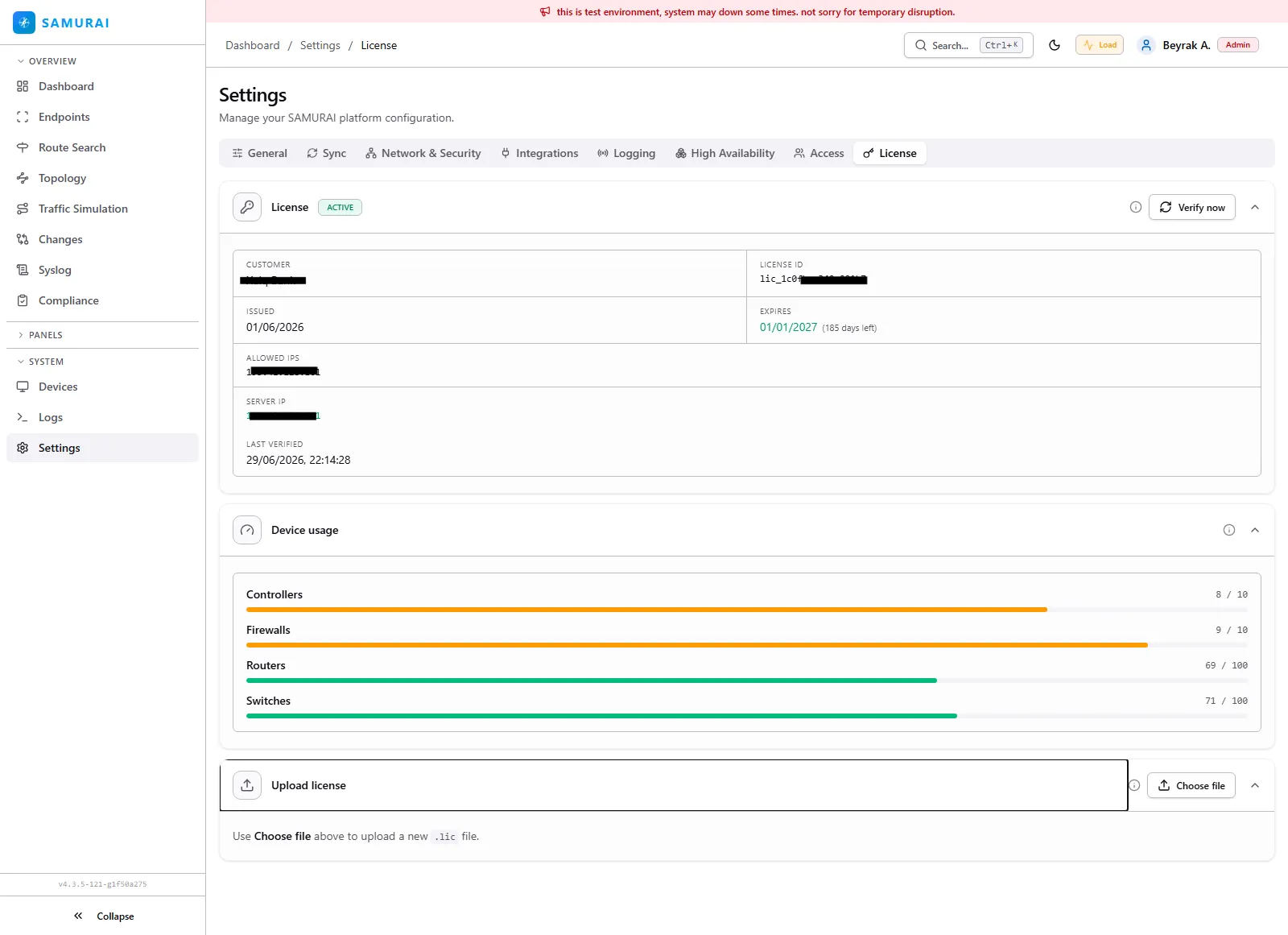
License
The deployment license and usage. License shows the customer, license ID, issue and expiry dates, the IP lock (allowed IPs and the detected server IP) and last verification, with a Verify now action. Device usage shows the current count against the per-type limit for controllers, firewalls, routers and switches. Upload license installs a new .lic file. For how license verification works, see Deployment.